Steam mods
Edits that go into the Steam game itself. No client, no code - changed files, put in place and taken out again.
What a Steam mod can change
- Text - every line the game says, per language (FF3 ▸ Text).
- Tables and Game data - items, monsters, jobs, shops, formations: the numbers.
- Images and Textures - menu pictures, model skins, replaced with PNGs.
- Models - recoloured copies (Duplicate as…), or a glTF converted with Write as a w### model.
- Maps - where the game's characters stand (Save placement), and their scripts.
- Menus - the menu layouts.
What it cannot: new maps, glTF drawn directly, C# code, cutscenes on a timeline - those need the client.
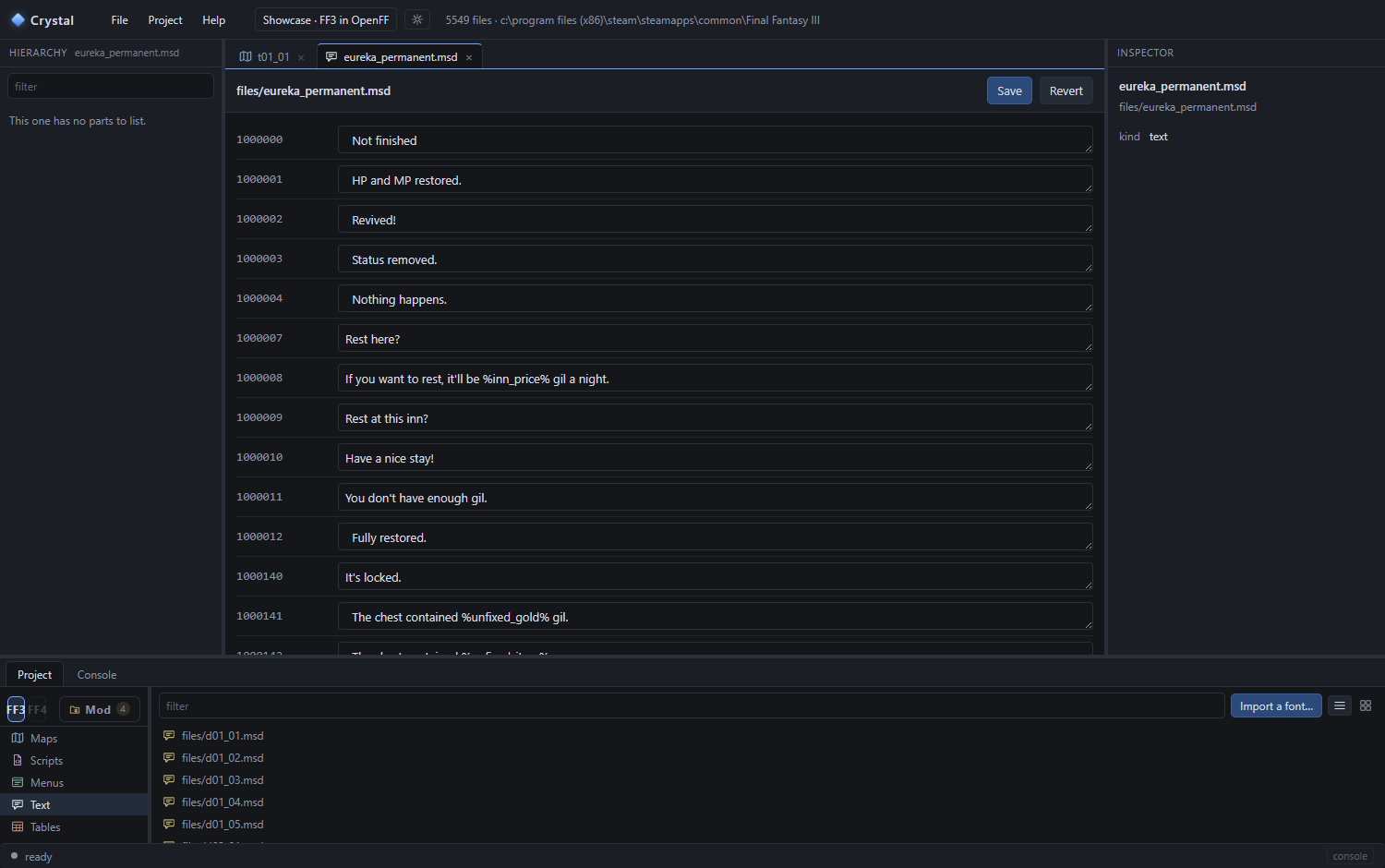
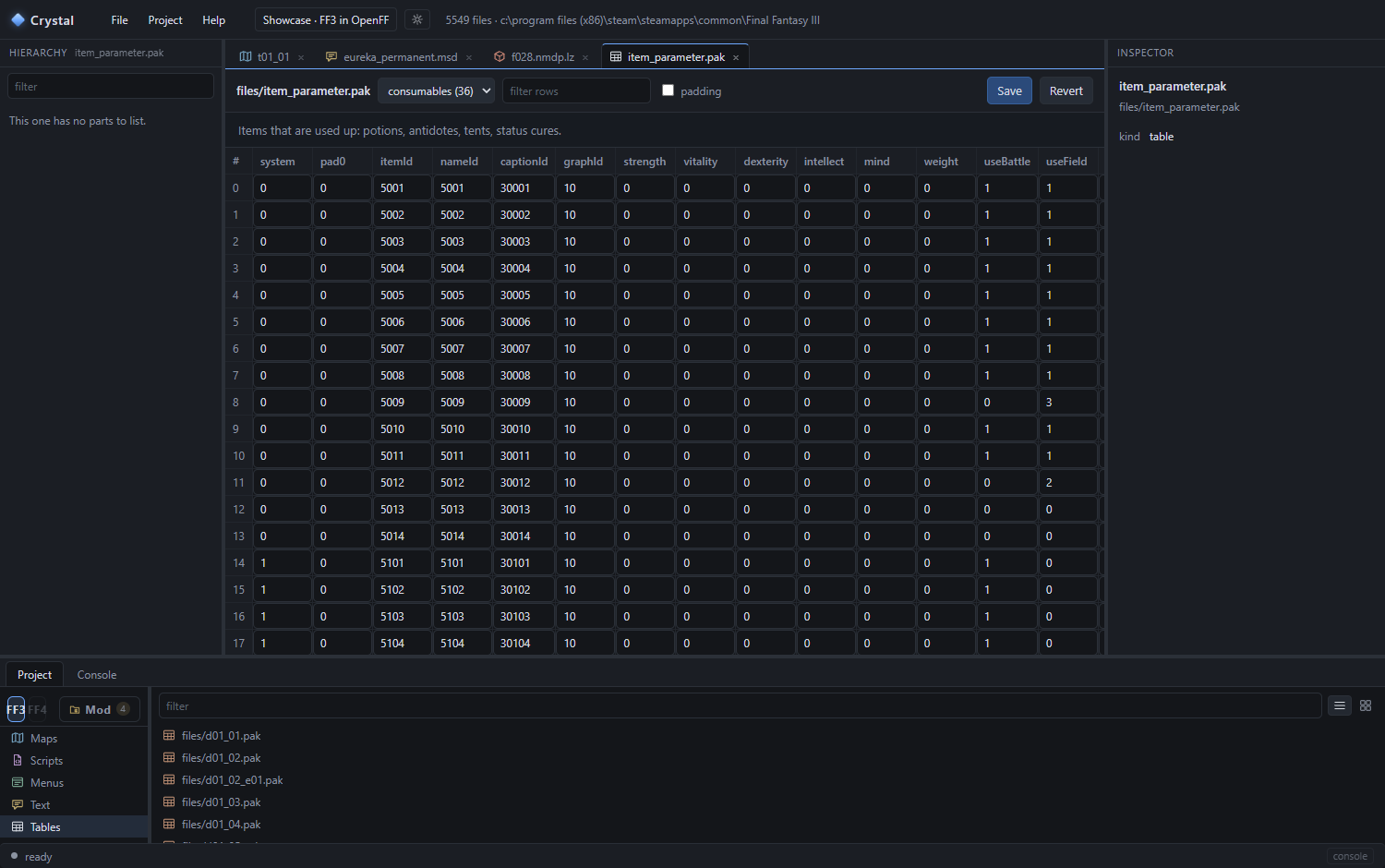
Make one
- File ▸ New project…; tick the game under Steam. (A project may be both a Steam and an OpenFF mod - tick both.)
- Edit. Every save goes into the project's
files\, never into the game. The tab shows a badge on anything you changed; File ▸ Changes… lists them all. - Project ▸ Install into the game copies the changed files into the Steam folder and keeps the originals beside them. Remove from the game puts them back. Start the game from Steam as usual.
- Export as .zip packs the project with a README - what you upload for others, who install it the same way.
Steam updates can overwrite installed files. Remove, update, install again. The project keeps everything.
Next: the reference.