Items and weapons
A new item starts from one of the game's and changes what you say. A weapon can wear a model of your own.
A new item
- Mod ▸ Items ▸ New item…. Pick the item it starts from - a Potion for a consumable, a Knife for a weapon, a Leather Shield for a shield. Everything you do not change stays the base's.
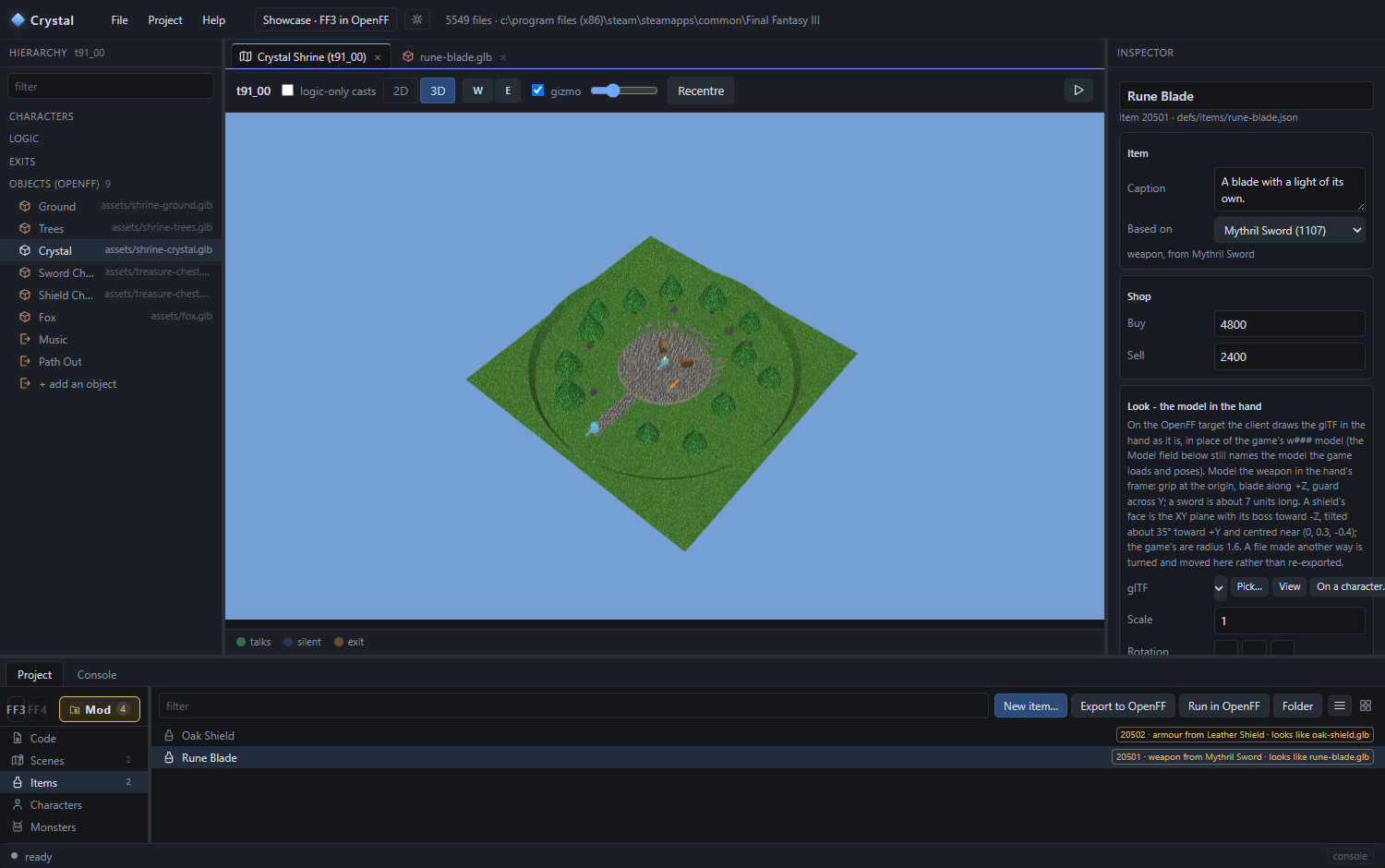
The mod's items. The list says what each looks like; the inspector edits it. - Name and caption - what the menus show. Buy / Sell for the shops.
- Record - the game's own fields for that kind of item: attack, hit rate, the jobs that may equip it, elements, status effects. Flags and kinds are pickers; the base's values are greyed in until you set your own; the ↺ goes back to the base's.
- Put it somewhere: a Chest behaviour's Item picker lists it at once; so does a timeline's give item clip and C#'s
Game.Party.AddItem.
A weapon with its own model
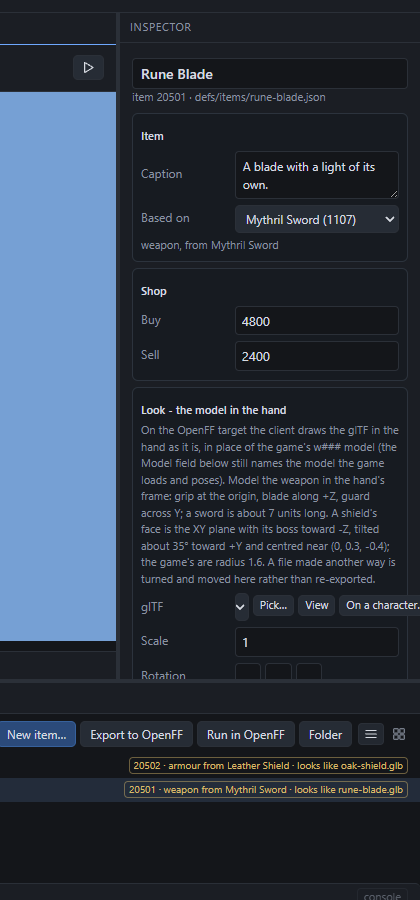
On the OpenFF target a weapon or shield can be drawn from a glTF instead of the game's model - the Look card.
- Model it. In Blender, the hand's frame: grip at the origin, blade along +Z, guard across Y; a sword is about 7 units long. A shield: face in the XY plane, boss toward -Z, tilted about 35° toward +Y, centred near (0, 0.3, -0.4), radius about 1.6 (the game's shields' size). Export as
.glb. - Import it. The Look card's Pick… ▸ Import a model…, or drop the file into the project's
assets\folder. - Pick it in the Look card. That is all the client needs: in battle the glTF is posed from the hand exactly where the game's model would be, faded and hidden as the game does.
- A clip loops an animation of the file while it is held - the Rune Blade's ring of light is a
Glowclip.
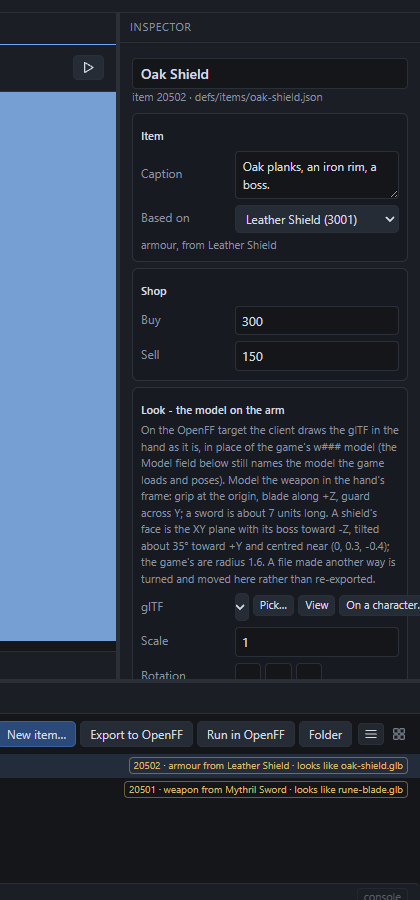
Fit it to the hand
A file made in another frame does not need re-exporting: turn and move it here.
- On a character… in the Look card opens the model viewer with the weapon in a party member's hand, the battle motions playing.
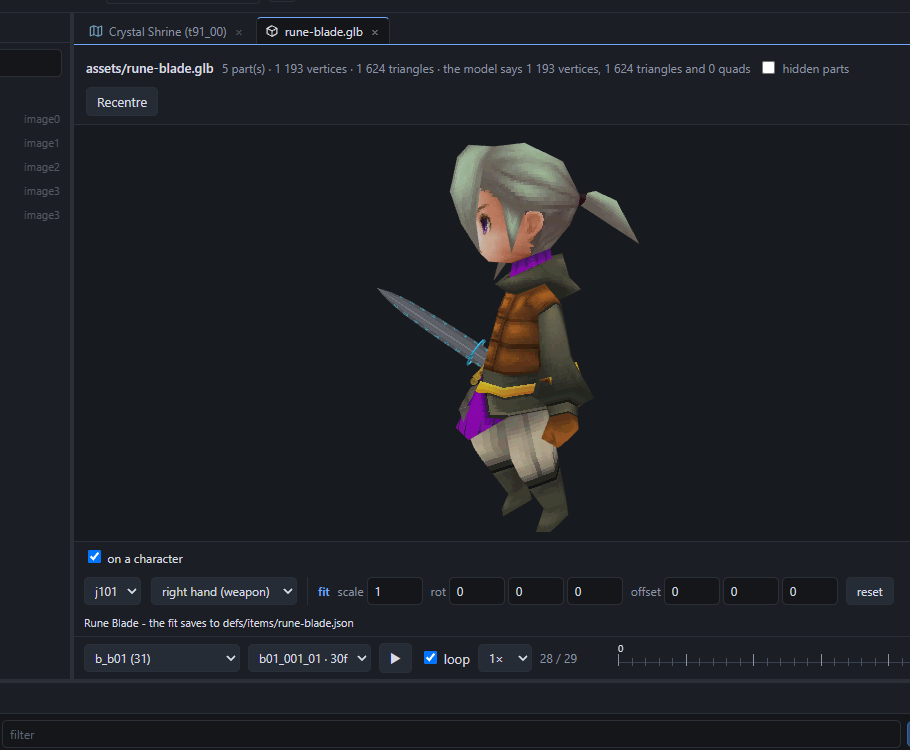
The blade in the idle stance. The transport under it plays the swings; scrub the frames. - fit - scale, rotation about X/Y/Z, offset - move the model live. Arrow keys nudge a field; Shift for ten steps. Every change saves to the definition; reset clears it.
- Pick another character or hand from the two menus; untick on a character to see the model on its own. The game's own weapons (
w021…) take the toggle too, to compare.
For a Steam mod
The Steam game reads only its own formats, so the glTF has to become a w### model: Write as a w### model in the Look card converts it (geometry, textures, the fit baked in) and sets the record's Model to it. Textures become 256-colour; skins and animations are not carried.
Files:
defs/items/<id>.json. The reference lists every field. Monsters and formations work the same way from Mod ▸ Monsters and Formations.Next: cutscenes.