Models, sounds, fonts
Files of your own, in the game. Blender exports, Ogg tunes, TrueType faces - and the game's own textures swapped for a PNG.
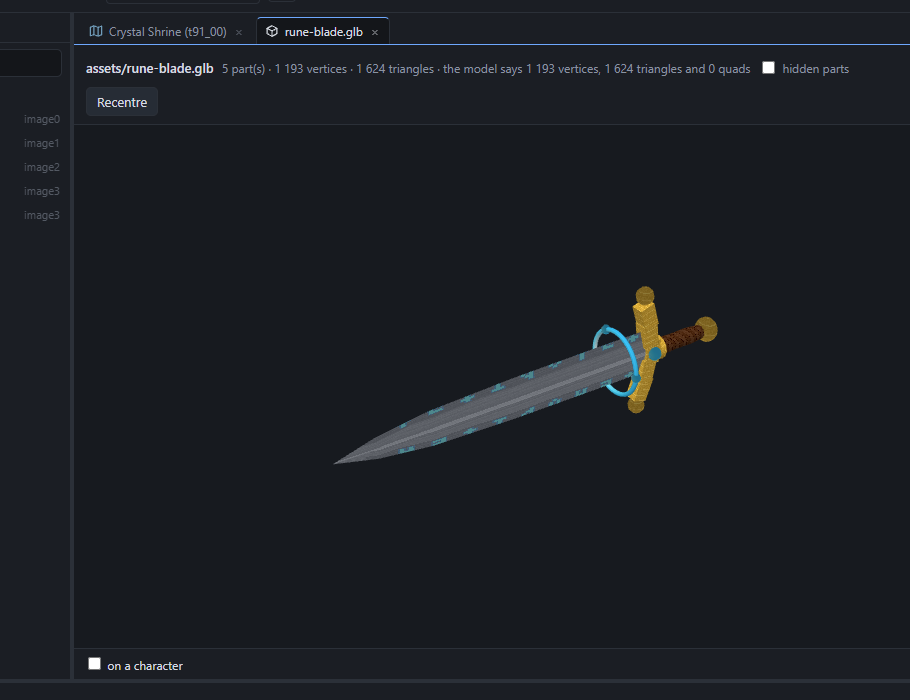
A model from Blender (glTF)
- Export from Blender as glTF Binary (.glb). Units: the game's - a villager is about 10 tall, a doorway about 3 wide. +Y is up, +Z is forward. Textures embedded, or a
.gltfwith its files beside it. - Import: the model picker's Import a model… (anywhere a model is picked), or copy the file into the project's
assets\folder. - Use it: as an object's Model on a map (a prop, a building, a whole ground with Solid on), as a weapon's look, or as a character with Roam - the fox.
- Animate it: Blender actions come along as clips. A Mesh's Clip loops one; Roam plays Walk and Idle clips; a weapon's Clip loops while held; a timeline's glTF clip switches them in a cutscene.
exports folder; without one, Save As.A character remade: a high-res Luneth
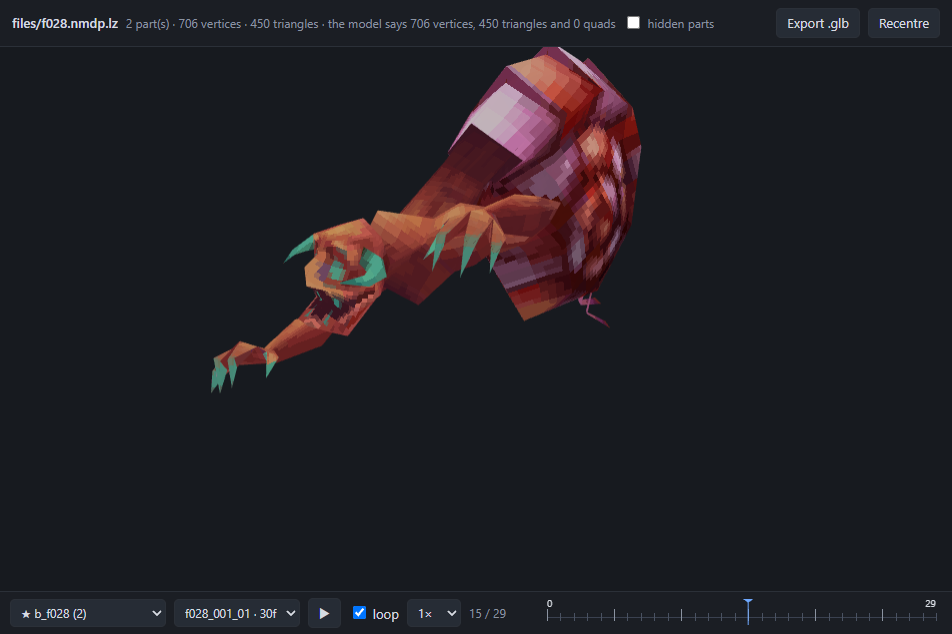
The game's characters and monsters can be given a new mesh while their skeleton and every battle motion stay the game's. Works on the Steam game too - the result is the game's own format.
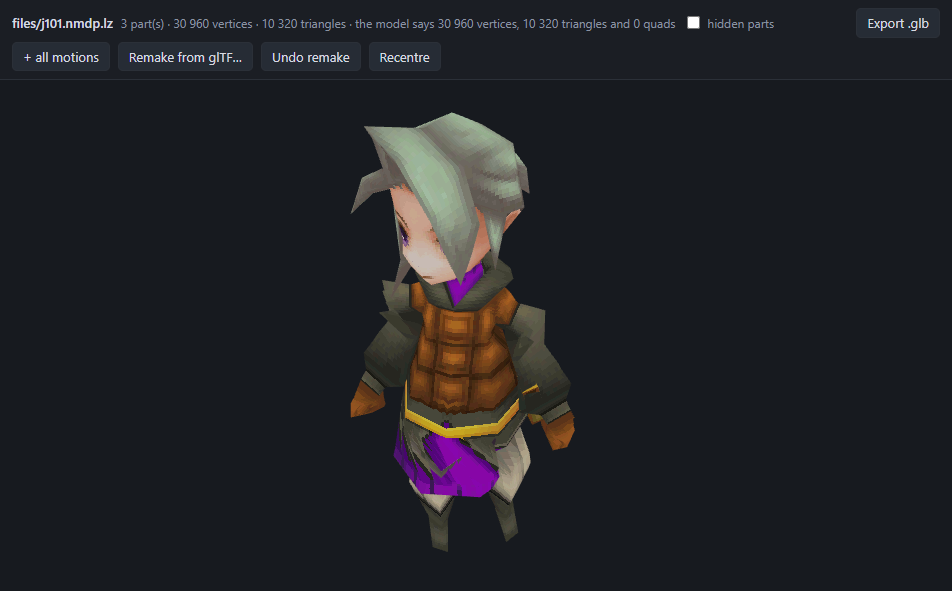
- Open the model (FF3 ▸ Models ▸ j101 is the first character) and Export .glb - + all motions to check your work against every swing in Blender.
- In Blender, model over it. Keep the armature as it came; weight your mesh to its bones (the vertex groups already carry the game's names:
hara,mune,L_ude,R_te…). Do not move or rename bones. Export a .glb with the skin. - Back in the viewer, with a project open: Remake from glTF…, pick your file (or Import a model… right there). The model reloads as yours; the transport plays the game's motions on it. Undo remake puts the game's back.
No rig? Skip step 2. A plain mesh, standing with its arms down, is bound to the character's skeleton for you when you Remake with it: scaled to the character, stood on its feet, weighted from the original's own skinning. The rigged copy appears in assets\ as <name>-rigged.glb - open it under Models and the transport plays every game motion on it, so you can orbit and scrub for a wrong weight before it ever goes in the game. The closer the mesh's shape to the original character's, the better.
Fix what is left by hand. Tick weights under that viewer: the mesh shows one bone's weight as heat (blue none, red all) with the skeleton over it. Left-drag paints (add, erase or smooth, radius and strength as set, mirror for the other side), right-drag orbits, Alt+click picks the bone under the cursor. Play a motion while you paint - a sleeve that stays behind is painted where it stays. Undo takes a stroke back; Save weights writes them into the file and remakes the game model from it.
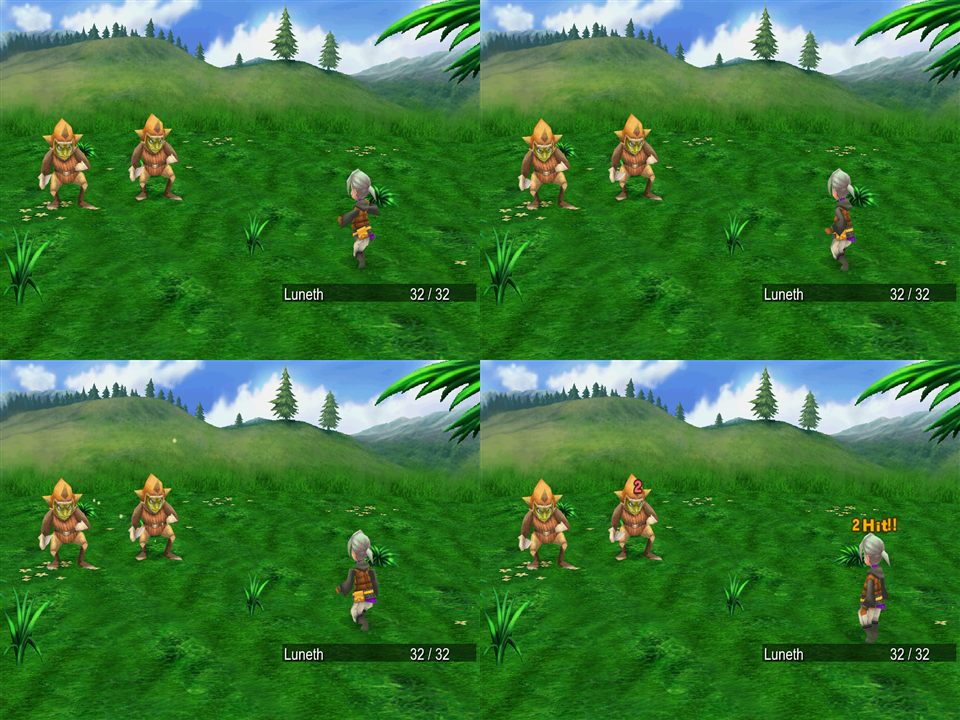
defs/models/j101.json for it). On Steam the game's own format has its rules: a vertex goes through one bone, or one of the blends the original had (a few at the knees, elbows and hips) - smooth weights snap to the nearest and the status line says how many; 10,922 triangles per model; textures 512 KB per model. Either way the bones must keep the original's names, and a mesh with no weights is bound to the nearest bone.A sound or a tune
- FF3 ▸ Audio ▸ Import a sound…. An Ogg Vorbis or WAV file.
- Pick music (a BGM number the game does not use, 59 and up) or effect (an archive of your own,
SE300_00and up). - A Music behaviour's Bgm and a Sound's Archive / Number list it; so do the timeline's music and sound clips and C#'s
Game.Audio.
A font
- FF3 ▸ Text ▸ Import a font…. A .ttf or .otf.
- The client draws every line of text from it; glyphs it lacks fall back to the game's faces. The preview shows sample text at the game's sizes.
Pictures and textures
- FF3 ▸ Images: the menus' pictures. Open one, Replace… with a PNG of the same size. Import a PNG… adds a new one under a name of your own for the menus to reference.
- FF3 ▸ Textures: a model's skin. Open a texture package, pick a texture, Replace with a PNG - the game's formats and palettes are made for you. A recoloured villager is this and nothing else.
- Duplicate as… on any model copies it (and its textures) under a new name, so a recolour can live beside the original.
assets\; sounds, fonts, replaced textures and images under files\, mirroring the game's names. Export to OpenFF copies them all into the mod.