Getting started
From the zip to a sample mod running in the game. Nothing to install.
What you need
- Windows 10 or 11.
- Final Fantasy III and/or Final Fantasy IV - the 3D remakes - installed from Steam. OpenFF reads the game's files from there; none of them are in the download.
- The release zip:
OpenFF-<version>-win-x64.zip. Unzip it anywhere.
Start the game once
- Run
OpenFF.exe. It finds the Steam install by itself and starts Final Fantasy III. Play a minute if you like; the point is that the client now knows where it lives, and Crystal can find it. - Try the pad. A connected controller works out of the box. Esc (or Start on the pad) opens the client's own menu: window size, full screen, anti-aliasing, how running works.
Settings are in
%LocalAppData%\OpenFF\settings.json - the same things the Esc menu changes. Saves are in %AppData%\FF3.Open Crystal
- Run
crystal.exe. It opens in your browser. The first page is the start page: What do you want to do today? - Install a sample mod (play one of the finished mods in OpenFF, kept up to date), Create a mod, Open a project.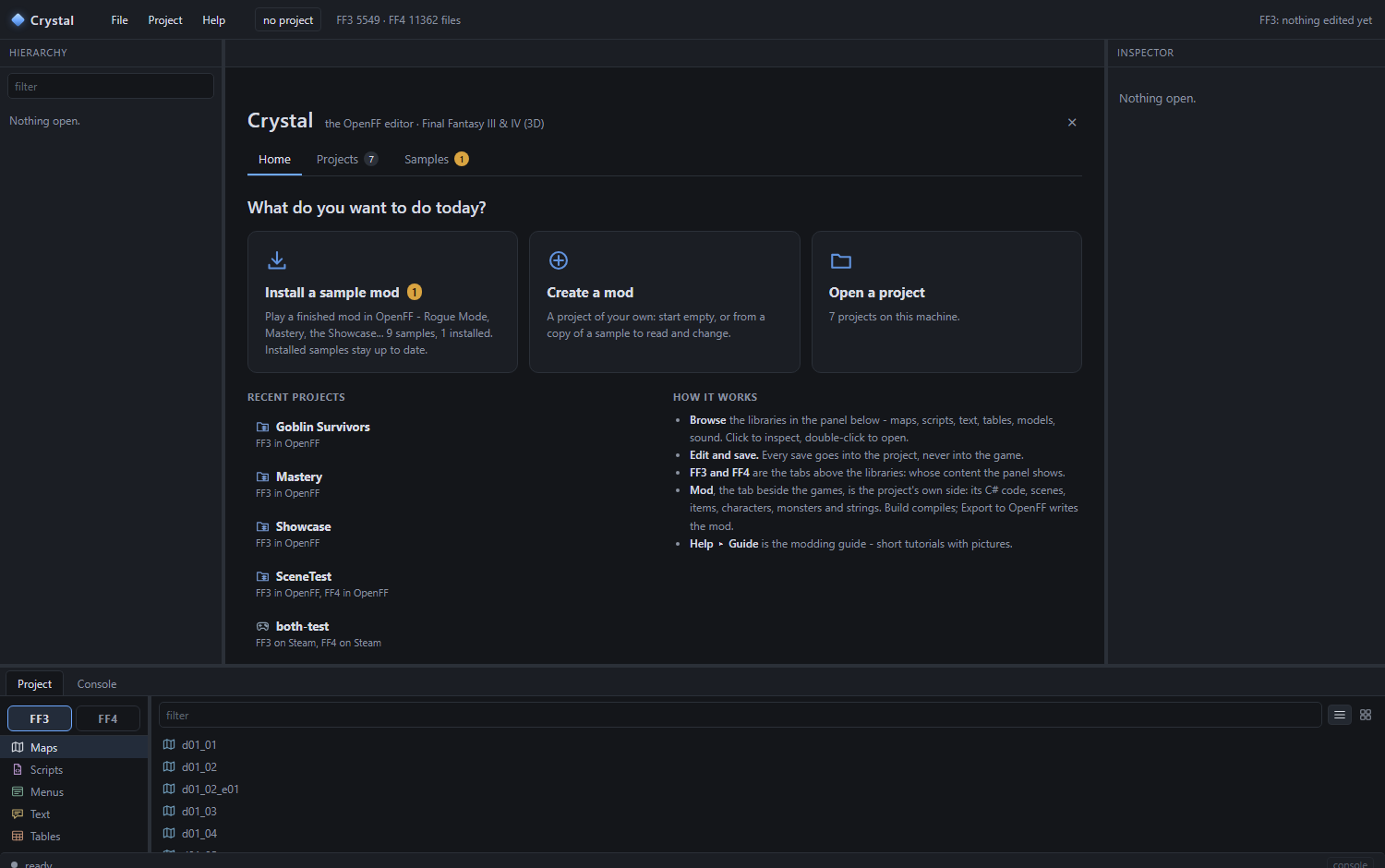
The start page. Its Samples tab is the sample browser: a picture, version and tags for each, with Install, Update, Uninstall and Create a mod from it. - Make a mod from a sample. Create a mod, pick Showcase as the starting point, keep the name, Create. You get a copy of your own - change anything; the sample stays as it is, and an update of it never touches your copy.
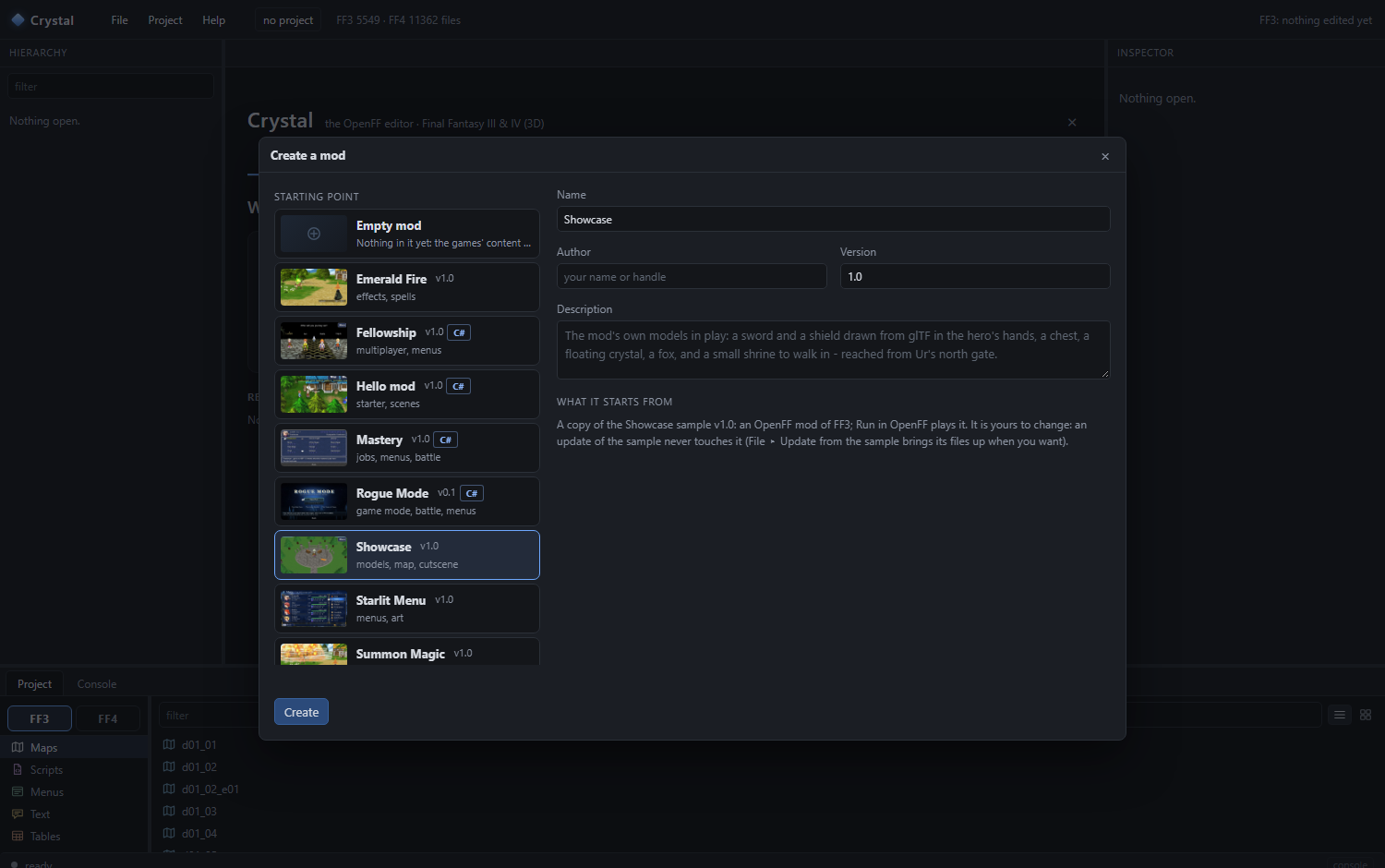
Create a mod: start empty, or from any sample - a map with weapons and a cutscene, a whole game mode, a menu redrawn. - Play it. Project ▸ Run in OpenFF (or the Run in OpenFF button in the project panel). Crystal exports the mod into the client's
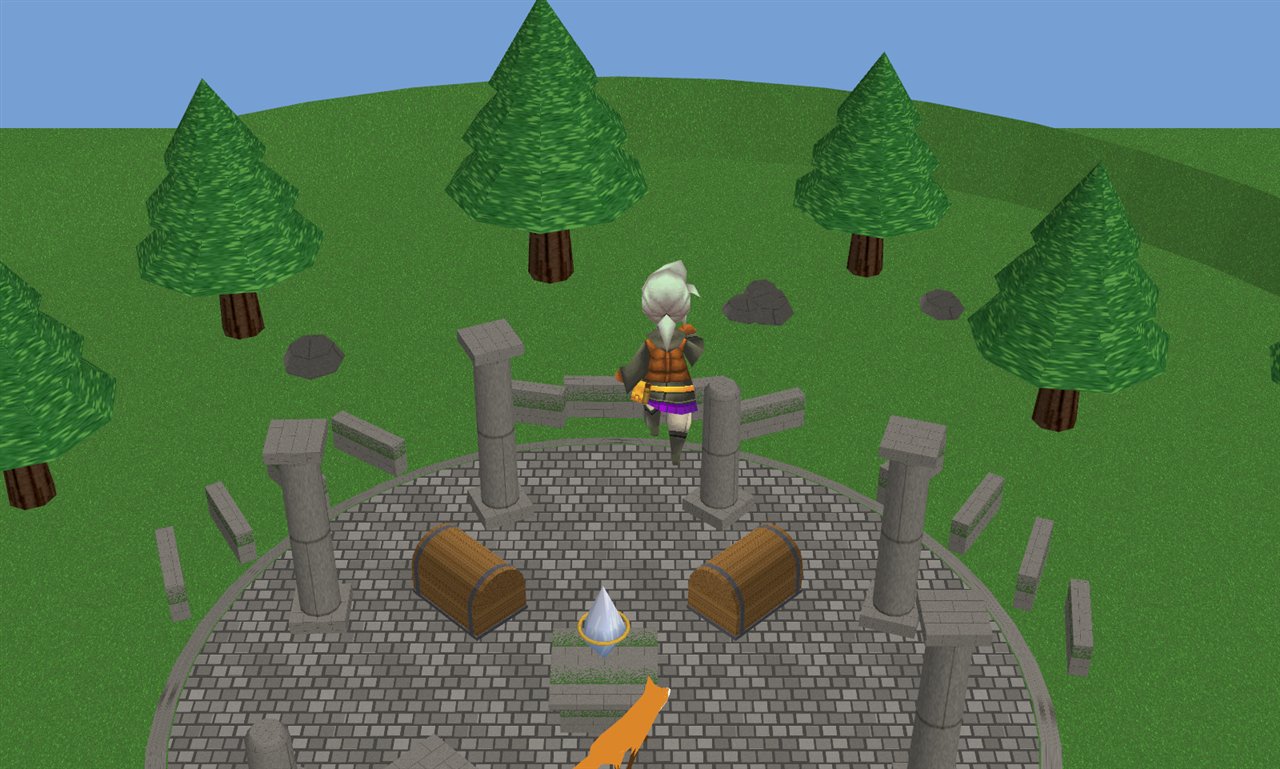
modsfolder and starts the game. In Ur, the town you start in, walk out of the north gate: the Crystal Shrine is the Showcase's own map.
The project panel
The panel at the bottom is where everything is found. Two sides:
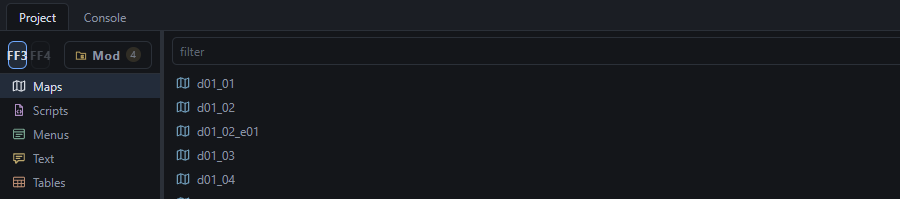
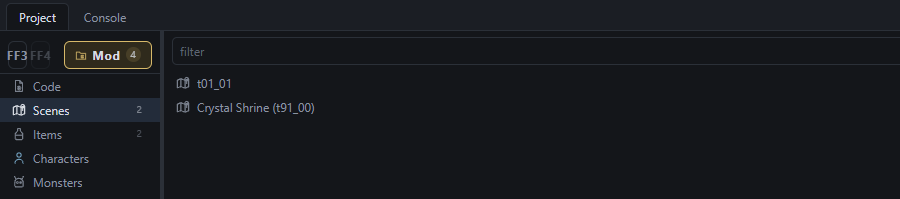
The filter box narrows any list. The buttons at the right of the filter are the actions for that library - New map…, New item…, Import a model…, Run in OpenFF.
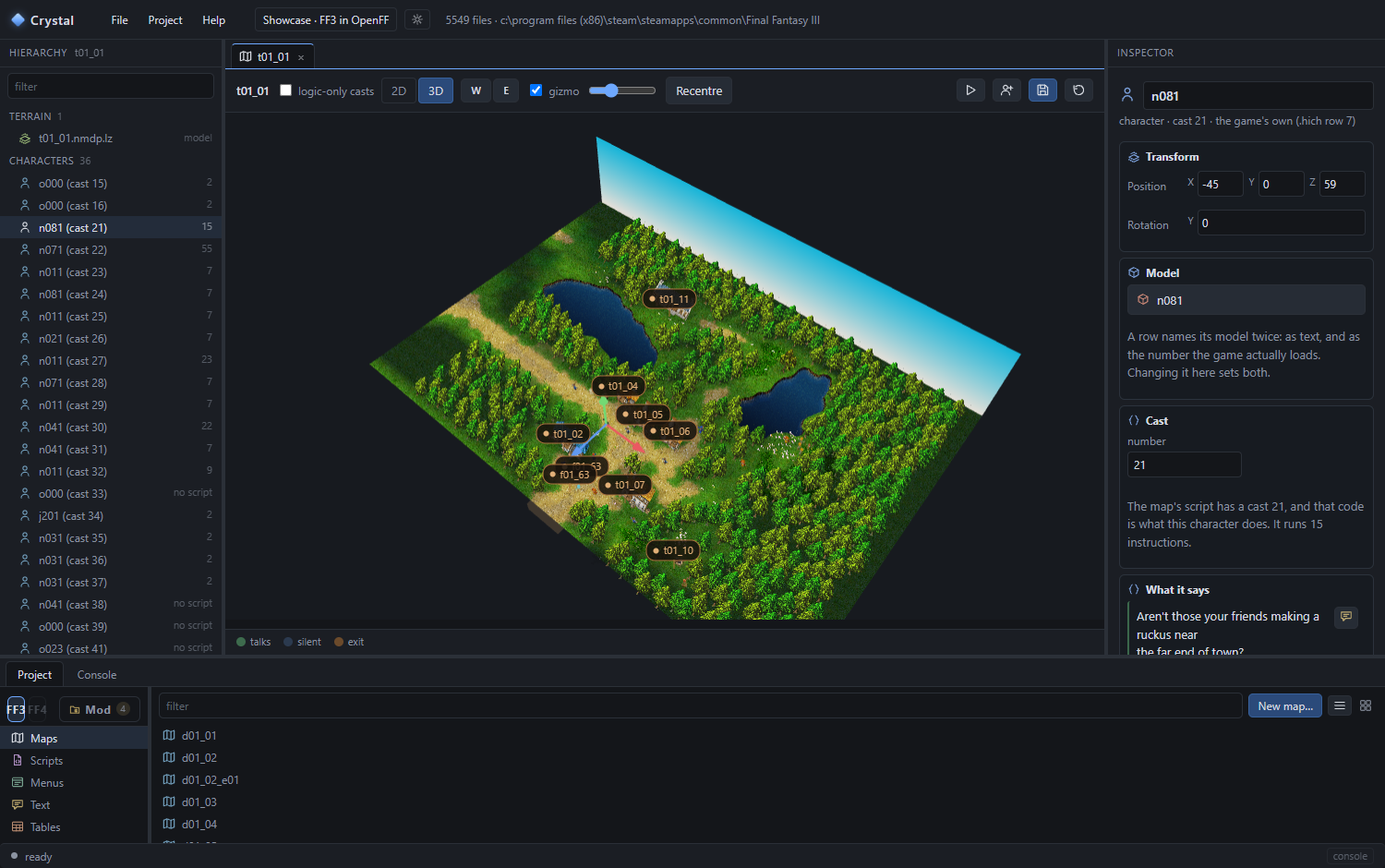
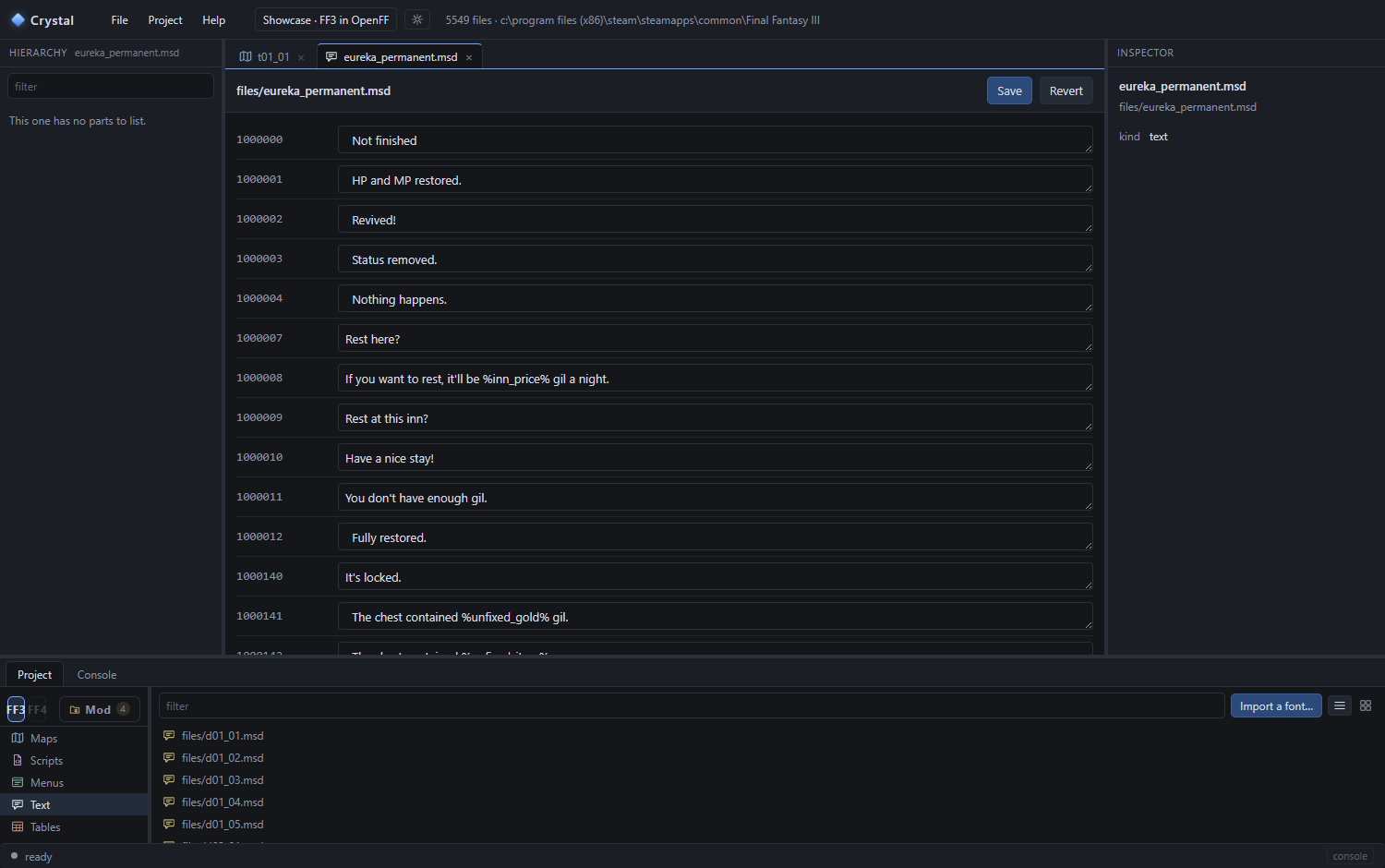
Anything under FF3 / FF4 is the game's own and opens in an editor made for it: a map in 3D with its characters and exits, a message file as a table of lines, a model with its animations, an item table as a grid. Change it and the change is saved into your project - the game's files are never written.
Two kinds of project
| OpenFF mod | Steam mod | |
|---|---|---|
| Played by | the OpenFF client | the Steam game itself |
| Can add | maps, items, monsters, cutscenes, glTF models, sounds, fonts, C# code | changed files only: texts, textures, tables, existing models recoloured |
| Ships as | a folder in mods\ - Export to OpenFF | files installed into the game - Project ▸ Install |
A project can be both. File ▸ Project settings… ticks the games and the kinds. This guide is mostly about OpenFF mods; Steam mods has the other side.
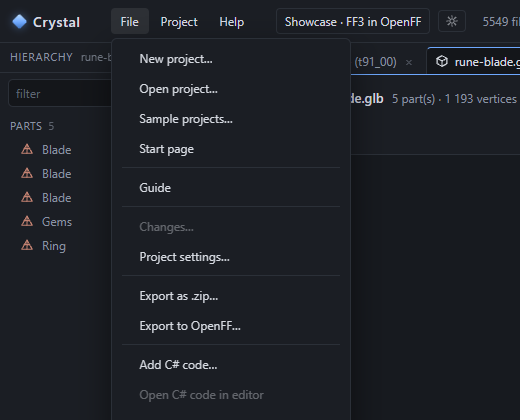
Menus
Next: the map editor - open the shrine and change it.