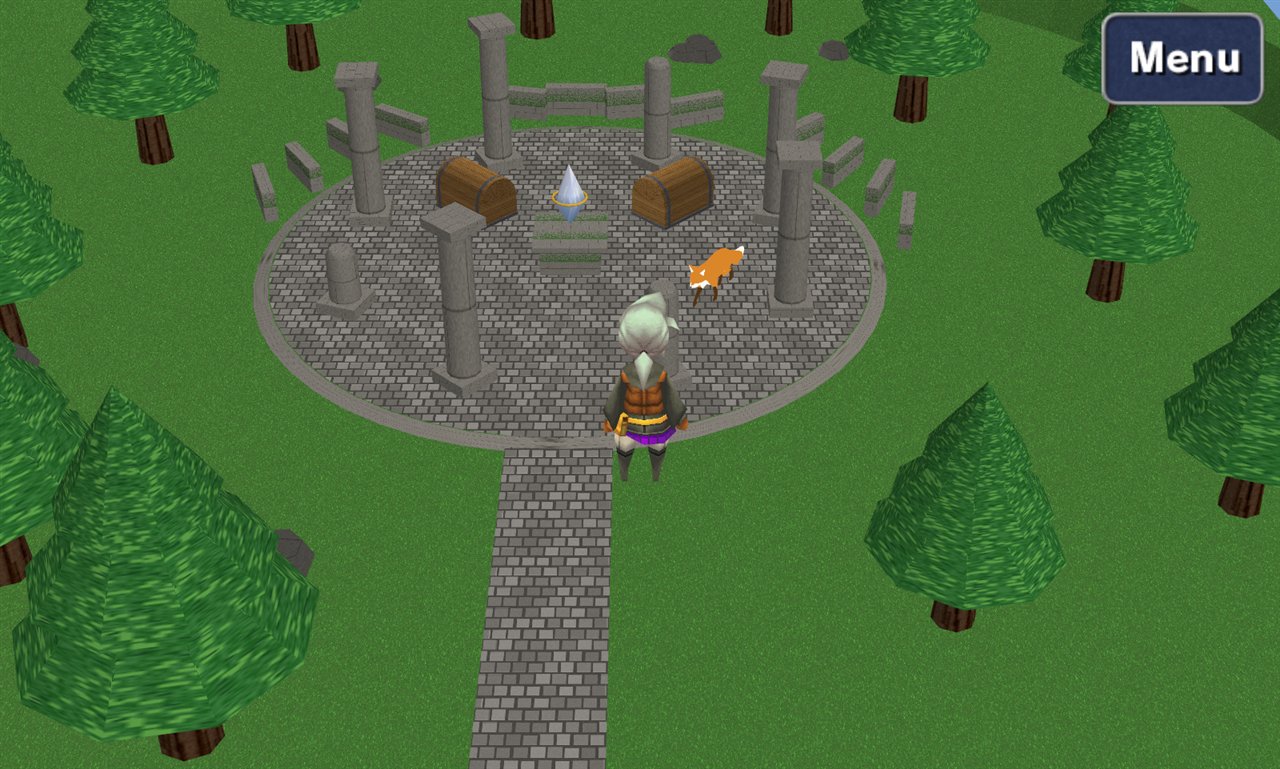
OpenFF plays the games. It reads your Steam copy of Final Fantasy III or IV and runs it with a modern client: any window size, game pads, and a mods folder that can add new maps, items, monsters, cutscenes and C# code.
Crystal is the editor. It opens the game's files - maps, models, text, tables, sound - and lets you change them or add your own. Everything you make is a project; Run in OpenFF plays it.
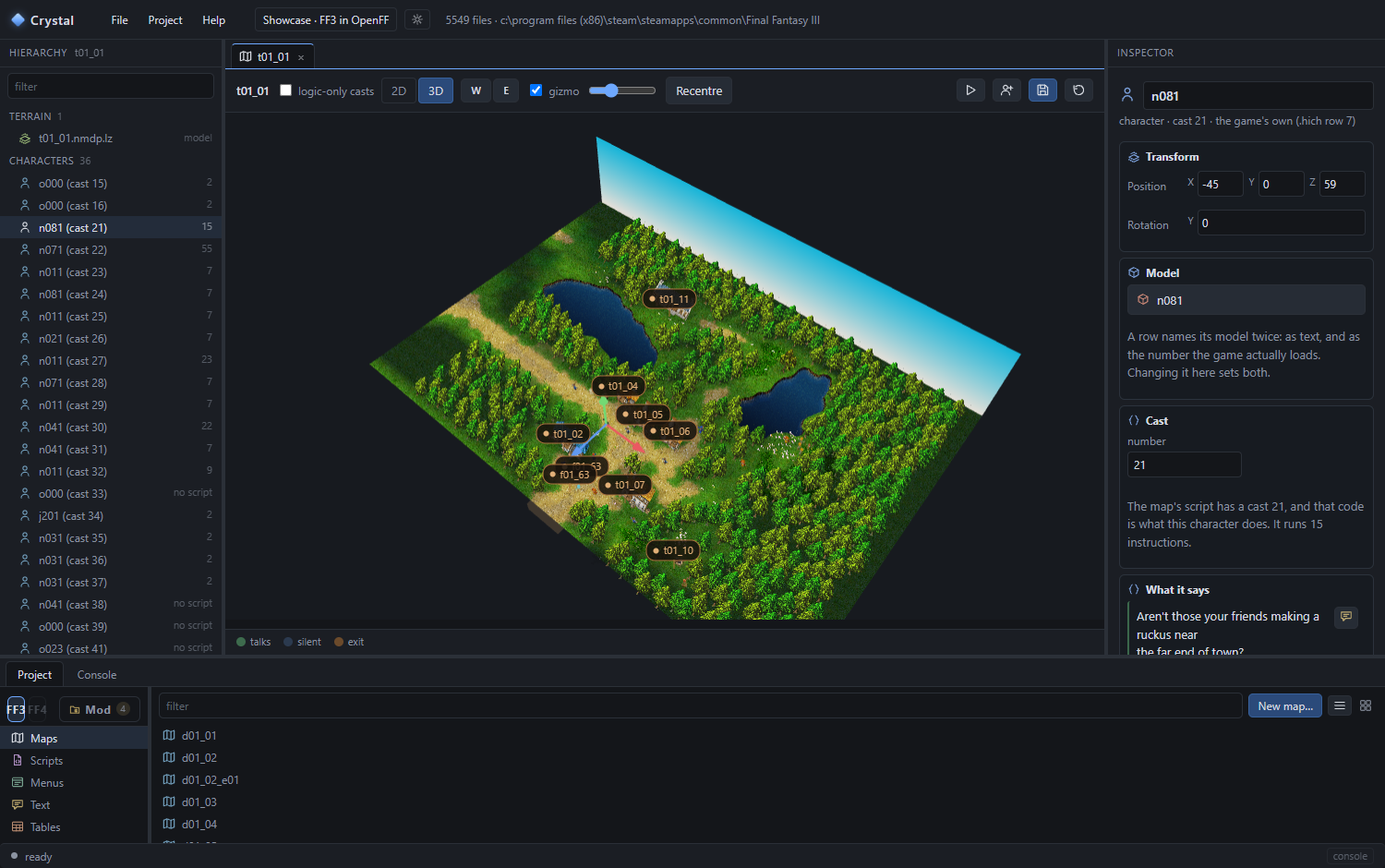
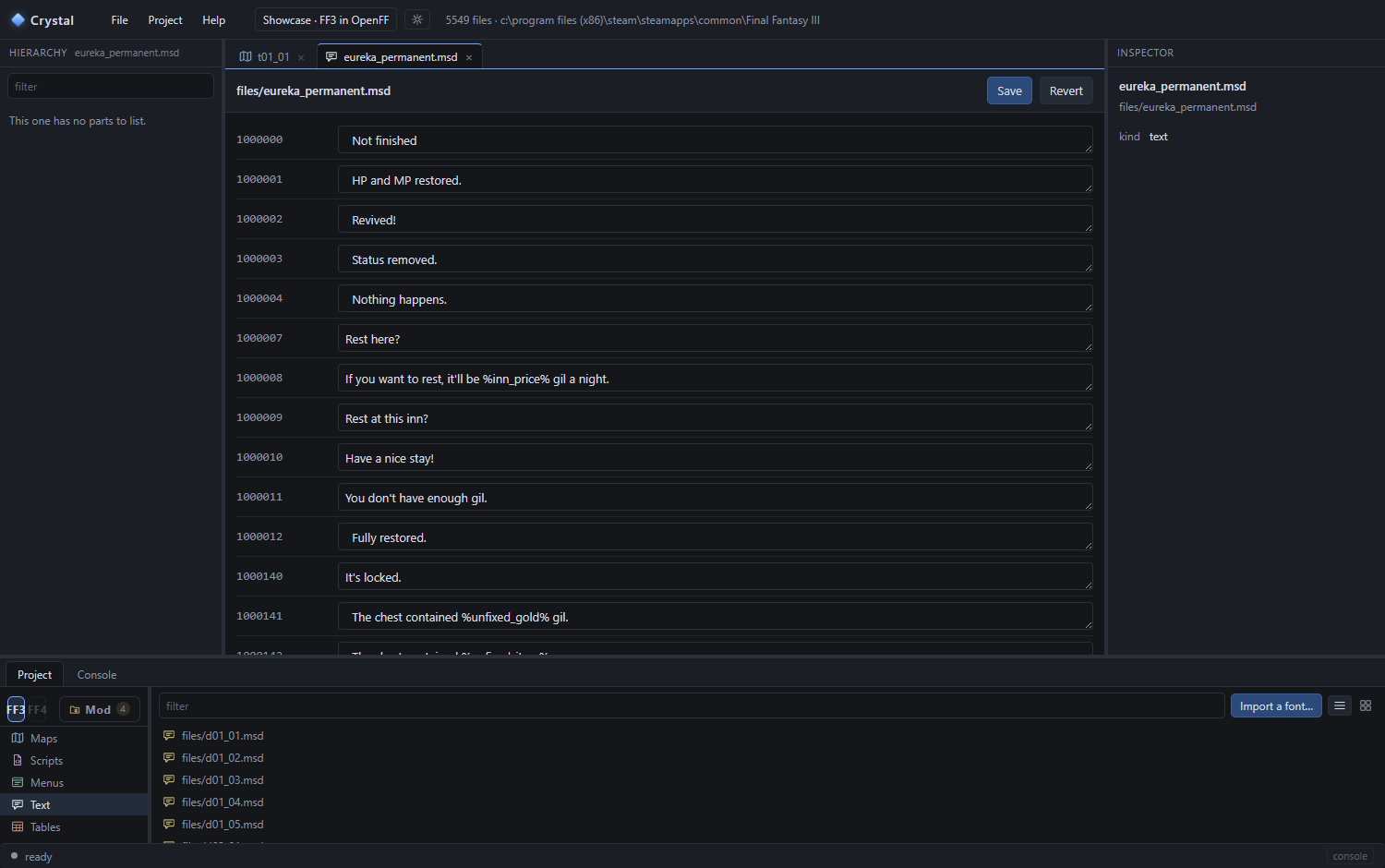
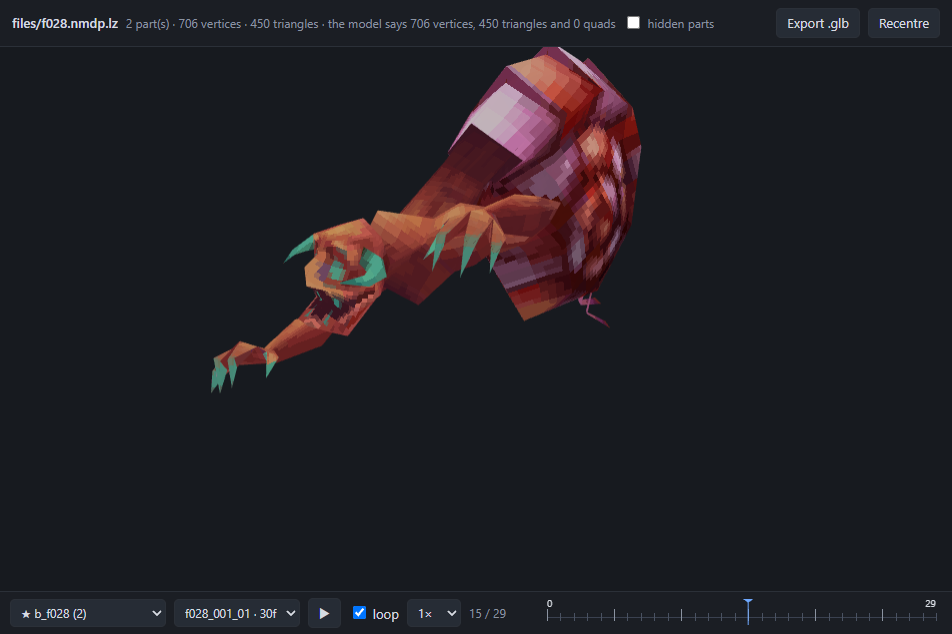
Most of Crystal is about the game as shipped: its maps with their characters and exits in 3D, every line of text in every language, the tables behind items and monsters, the models with their animations, textures, menus, sound. Open, change, save - into your project, never into the game.
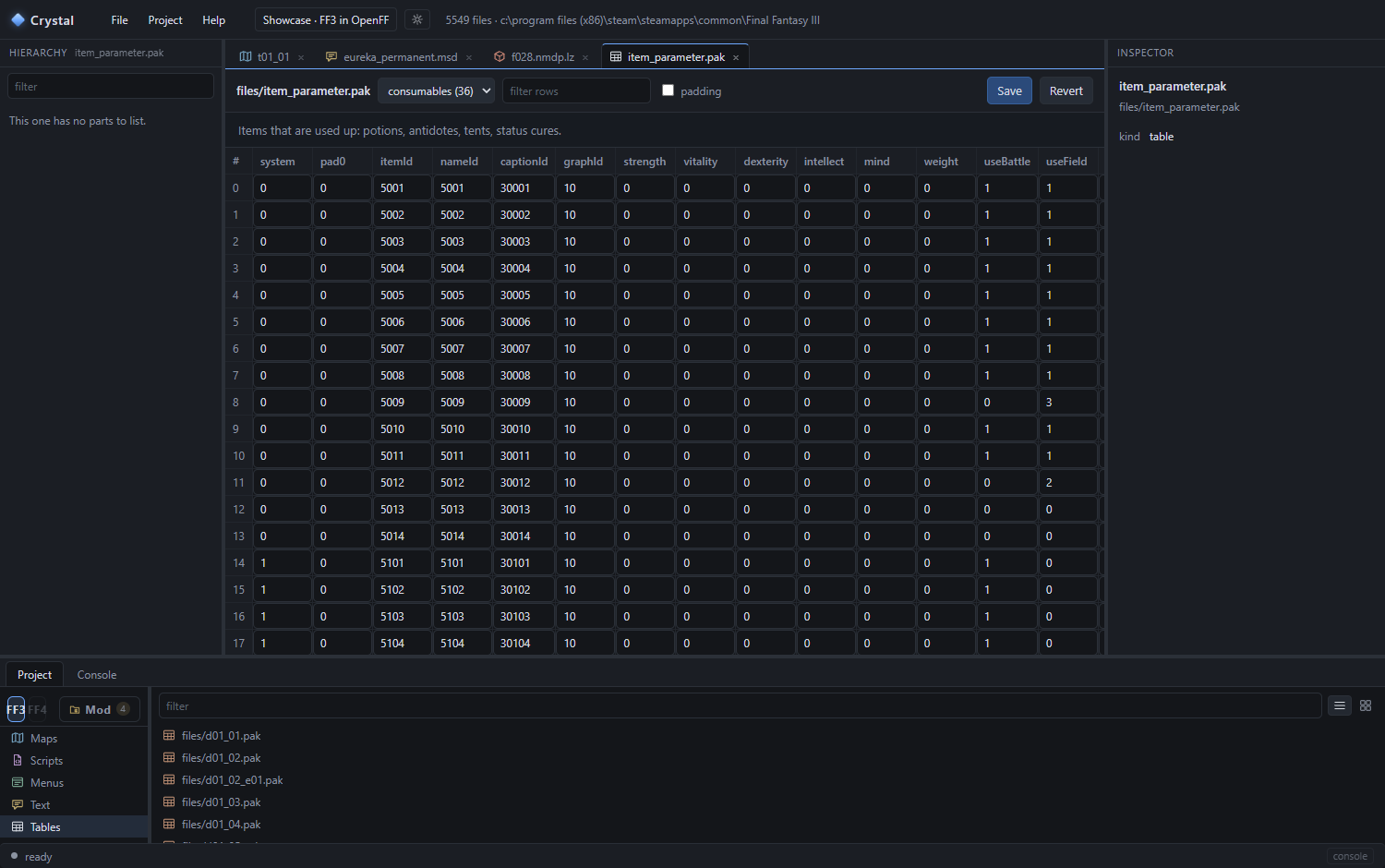
Ur in 3D: its 36 characters, the exits, and a villager's script and lines in the inspector.The text: every message, editable, in the game's languages.A monster with its battle motions - and Export .glb for Blender.The tables: items, monsters, jobs, shops - the numbers, as a grid.
What a mod can add
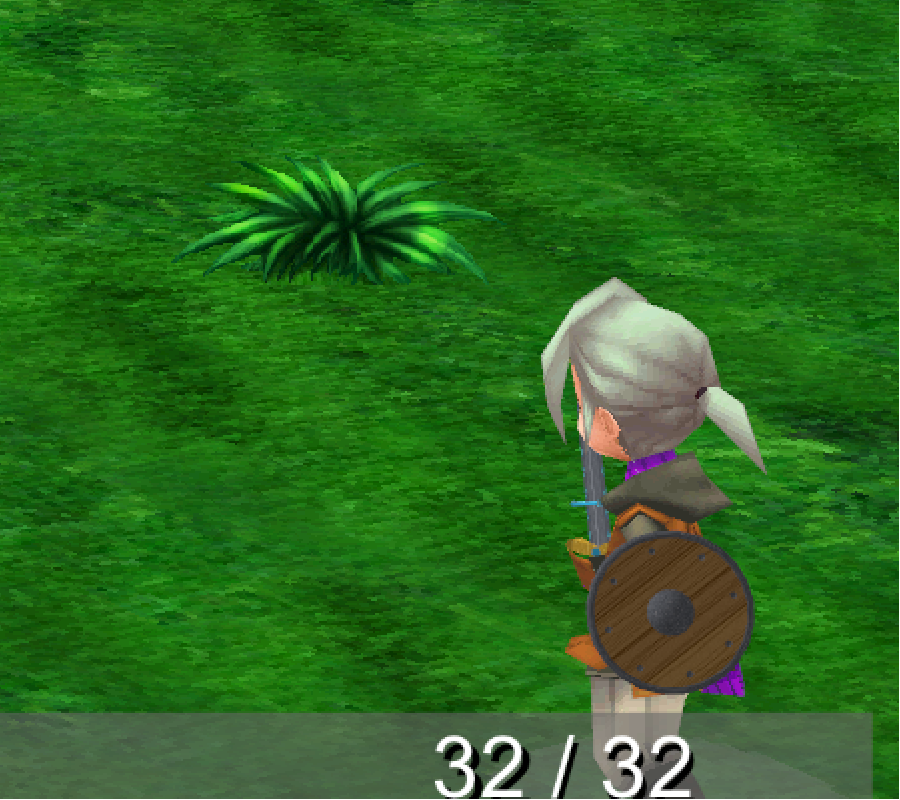
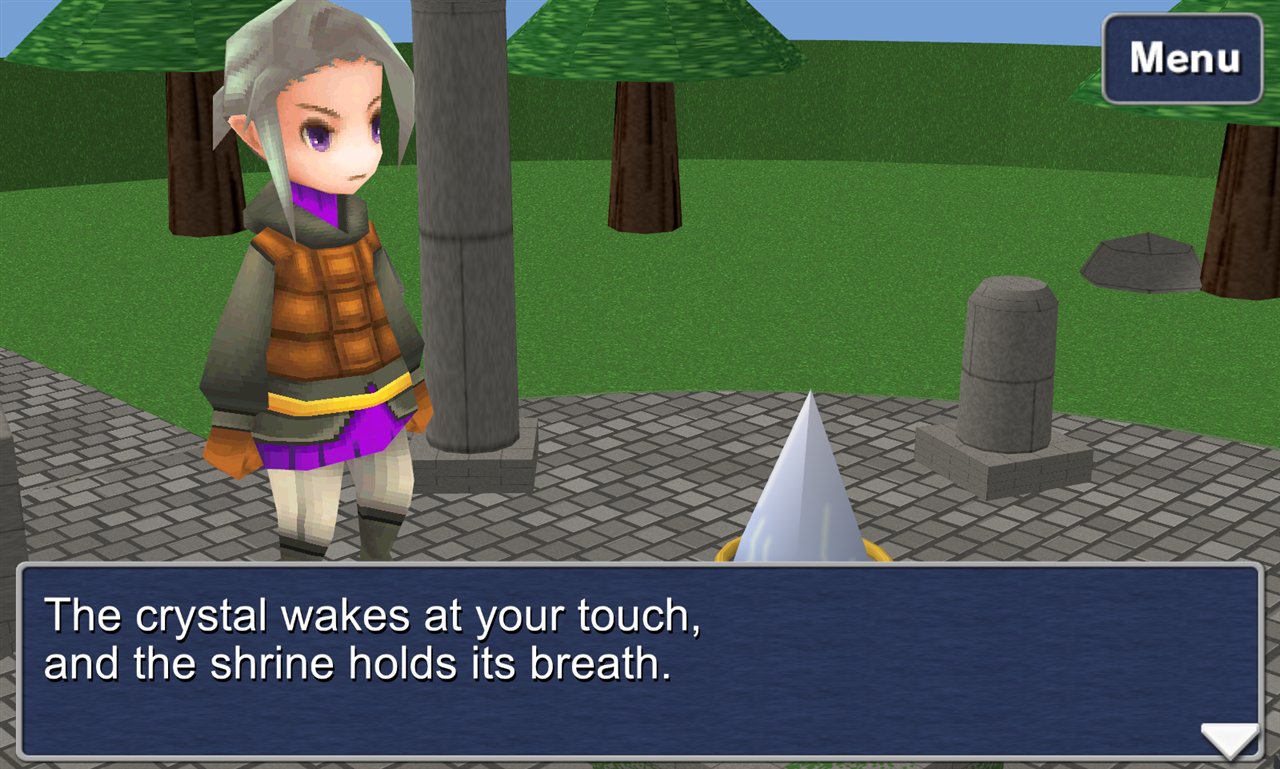
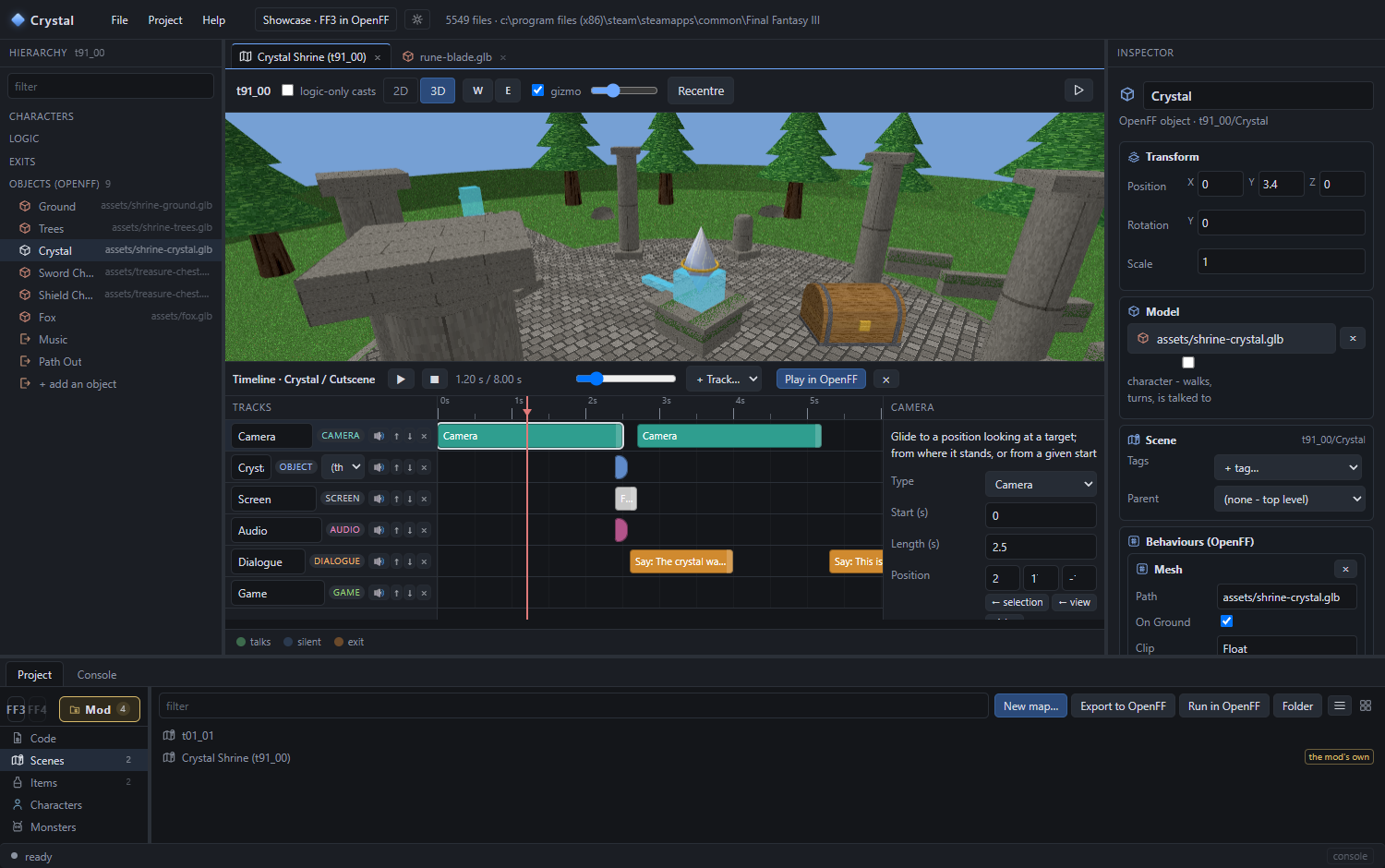
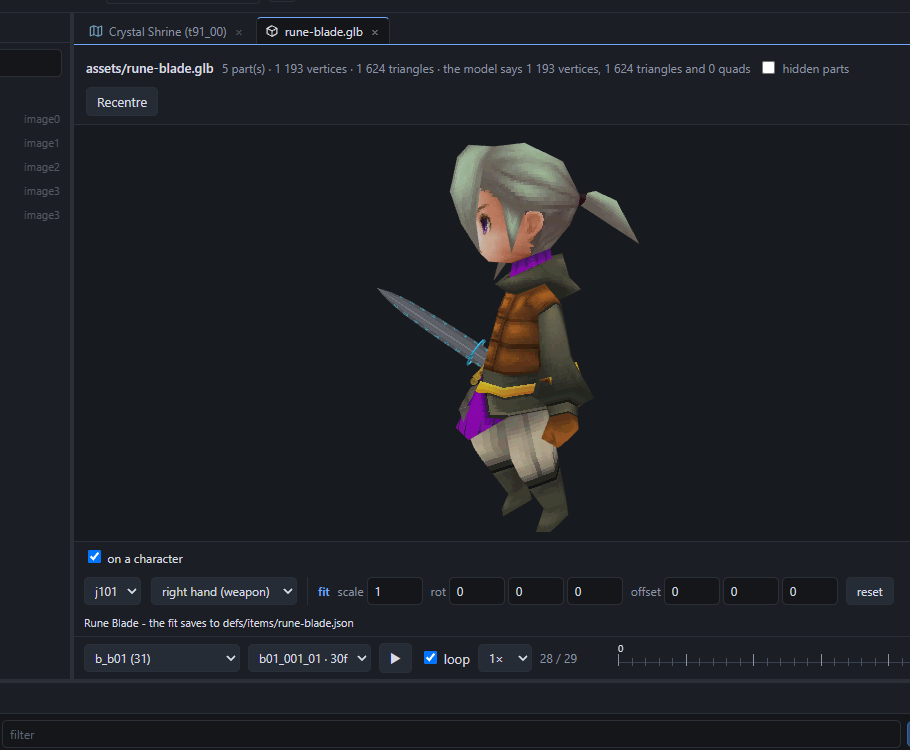
Weapons and shields of your own, from a glTF, in battle.Cutscenes laid out on a timeline: camera, lines, effects.Crystal: the 3D view, the hierarchy, the inspector and the timeline.Fit a weapon to the hand while the battle animation plays.
Where things are. This guide is Guide\index.html in the release folder, Help ▸ Guide in Crystal, and online at zerratar.github.io/openff. The longer written manual is Modding.md; the C# API is Help ▸ OpenFF API reference in Crystal, or API.md. What changed in each version: Releases.md.